A gym log that keeps up.
Your previous weights and reps are ready for your next session. Log working sets, warm-ups, drop sets and RPE, with an automatic rest timer.
 monk
FREE WORKOUT TRACKER FOR IPHONE
Log your strength training. Build your routine. Watch your progress add up. Every feature free, with your history on your iPhone.
Download on the App Store ↗No account. No ads. No subscription. Works offline.
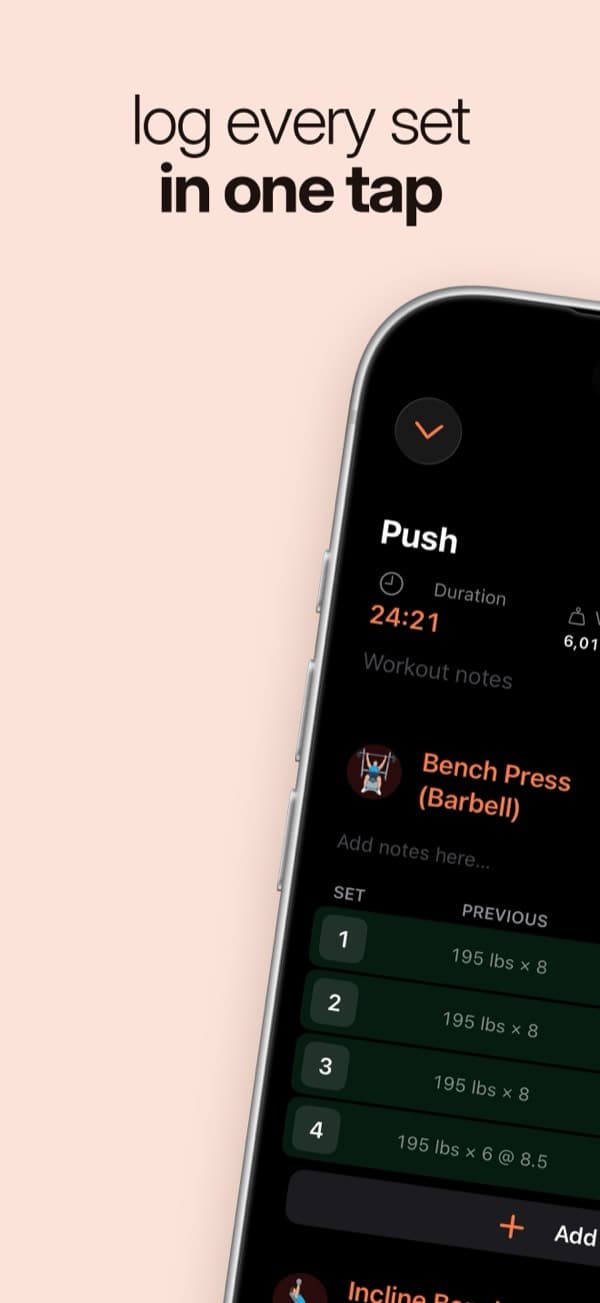
Your previous weights and reps are ready for your next session. Log working sets, warm-ups, drop sets and RPE, with an automatic rest timer.
Get suggested reps and weights from your training history. Choose rep ranges, weight increments and deload settings, or turn suggestions off.
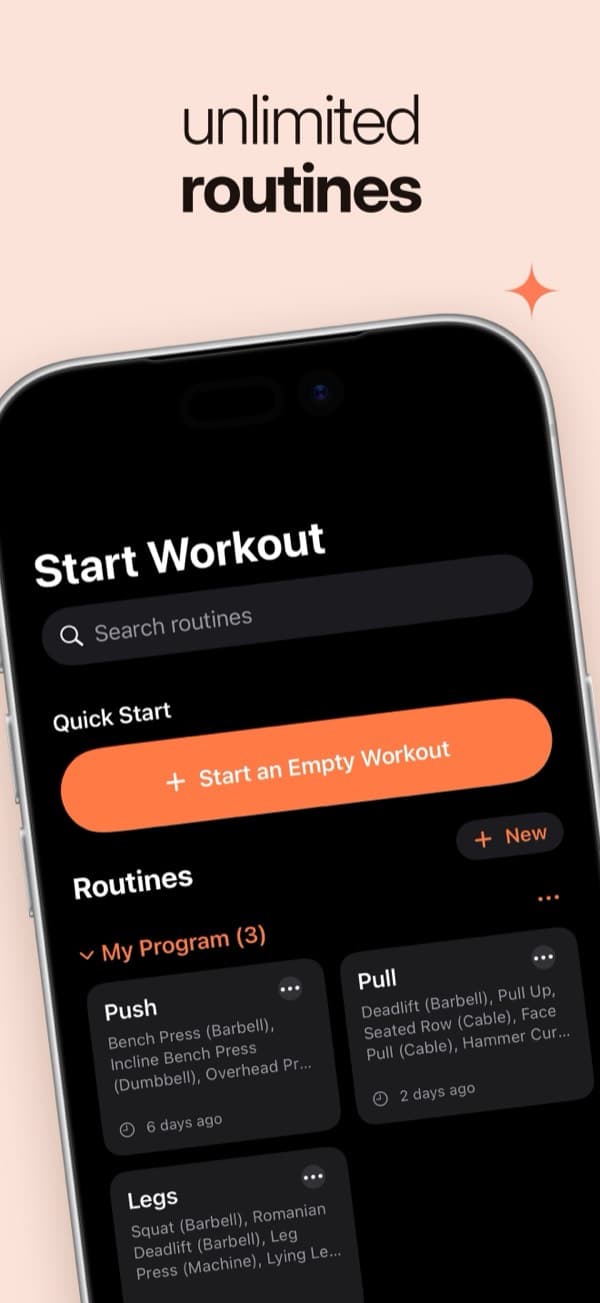
Build unlimited routines and folders, or start with 5×5, Push/Pull/Legs, Upper/Lower and Full Body examples. Browse an illustrated exercise library.
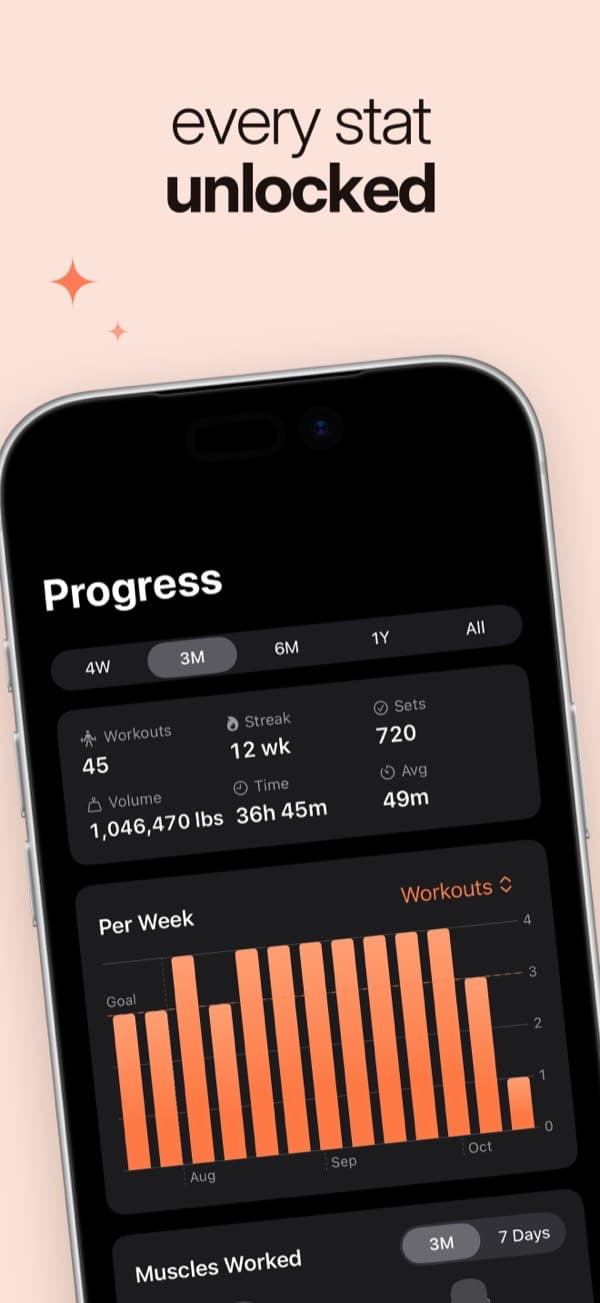
Follow personal records, estimated one-rep max, weekly volume, muscle-group sets and workout streaks. Review your history in a training calendar.
YOUR TRAINING BELONGS TO YOU
Monk stores your workout history on your device. Export a CSV, make a backup, or choose to connect Apple Health. No Monk account or cloud service required.
Read the privacy policy ↗Yes. Workout logging, unlimited routines, charts and personal records are free. There is no subscription, no ads and no account to create.
Yes. Workout logging and your training history work without an internet connection. Your history is stored on your iPhone.
Yes. Export your history as CSV from Strong or Hevy, then open Monk → Settings → Data & Backup → Import from Strong or Hevy (CSV).
Apple Health is optional. You can choose to save finished workouts and read body weight. You control the permissions in Settings → Apple Health.
Yes. Open Settings → Data & Backup → Back Up Everything (JSON). Save the file somewhere safe, then use Restore from Backup to move your history to another iPhone.
Monk is available for iPhone running iOS 17.6 or later. You can log in kilograms or pounds and switch units at any time.